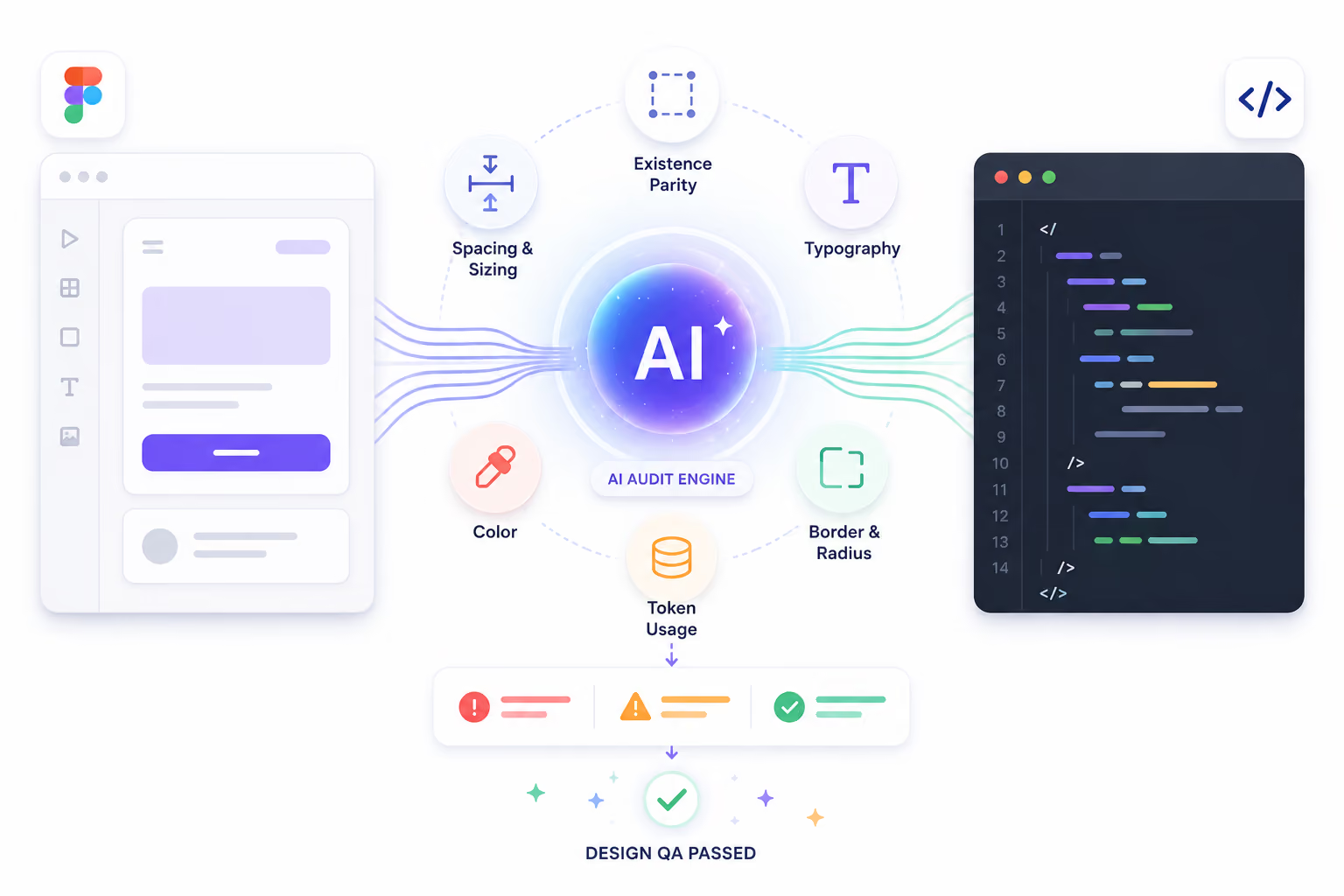
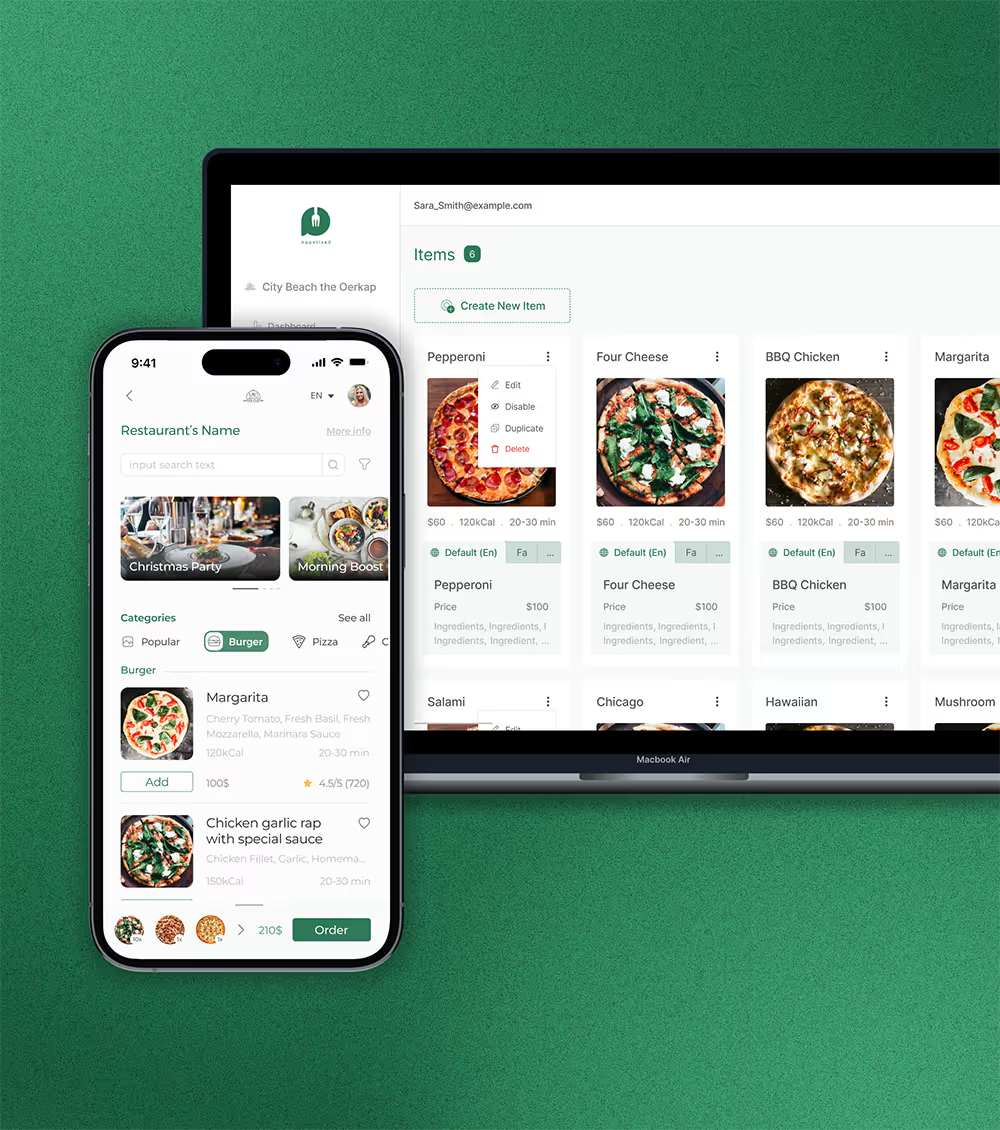
This audit was built and tested on a small demo project, both in Figma and in the codebase. The next step is running it on a larger, real-world project to see where it breaks, slows down, or produces noise, and then iterating on the workflow based on what comes up.
More components, more pages, more tokens, and more edge cases will surface problems that a demo file simply cannot.
One practical concern with scaling is cost. Larger codebases and more detailed Figma files mean more tokens processed per run. To make this usable in a professional setting, I prepared a token usage estimation so teams can forecast the cost before committing to a full audit.
This turns it from a tool you run once into something you can plan around and justify to stakeholders.
The scope selection built into the command already addresses part of this. Before the audit runs, it asks you to define exactly which folders or files to check on the code side, and which pages or frames to check on the Figma side. This means you never have to scan your entire codebase or the whole Figma file unless you want to.
You can run a focused audit on a single component, a specific feature folder, or one Figma page in under a minute, and save the full project-wide run for when it actually matters. That balance between depth and speed is what makes the workflow practical for everyday use rather than just a one-time cleanup.